Minigame · free in your browser
Reaction Time Test – Test Your Reflexes
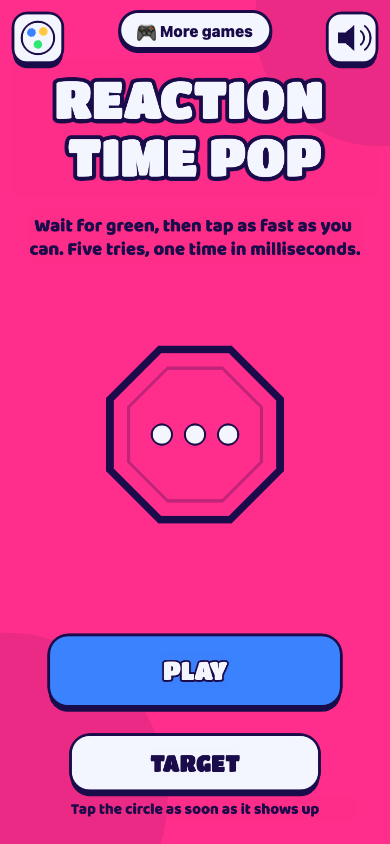
Wait for green, then tap as fast as you can. Five tries, one time in milliseconds.
Free, no sign-up, right in your browser. Also on Telegram: @SetteGamesBot.
Weekly leaderboard
| Play to get on the leaderboard. |
Play next
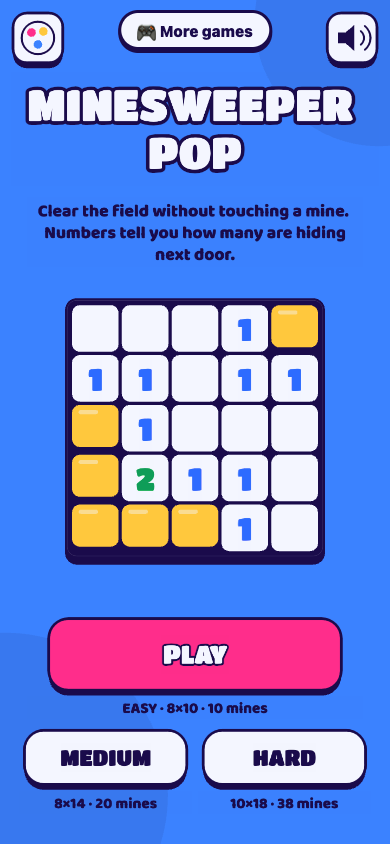 Minesweeper PopClear the field without touching a mine. Numbers tell you how many are hiding next door.
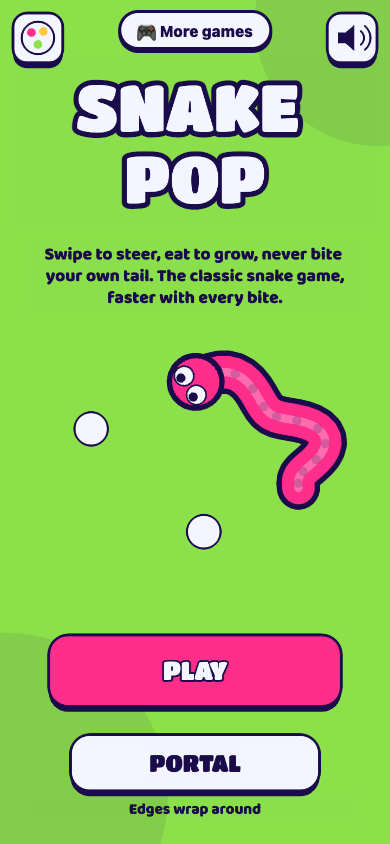 Snake PopSwipe to steer, eat to grow, never bite your own tail. The classic snake game, faster with every bite.
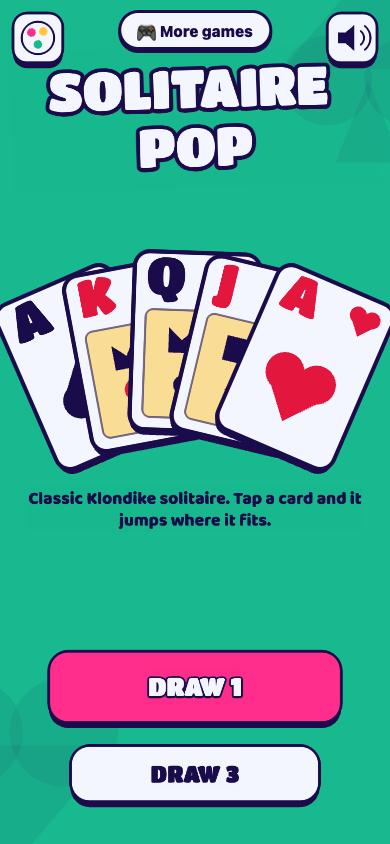 Solitaire PopClassic Klondike solitaire. Tap a card and it jumps where it fits.
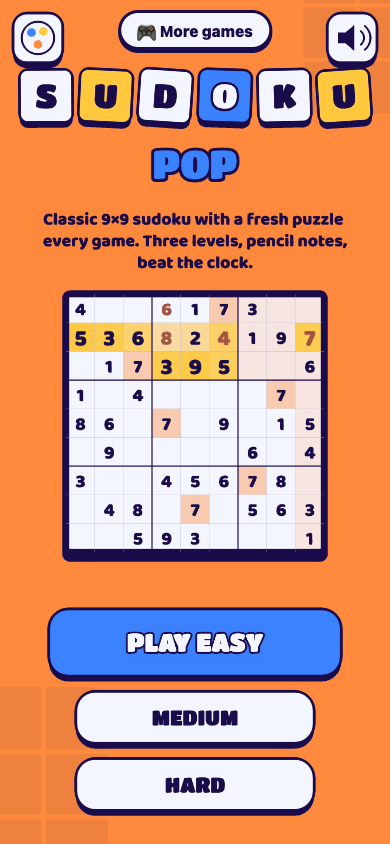 Sudoku PopClassic 9×9 sudoku with a fresh puzzle every game. Three levels, pencil notes, beat the clock.
 2048 PopSwipe, merge equal tiles and build 2048. One more move, always.
 Three Seconds FlatStop the timer at exactly 3 seconds. Five quick rounds, and in Blind mode the dial goes dark after 1 second.
 Seven SecondsStop the timer at exactly 7 seconds. Three rounds, and the dial goes dark halfway.
 Perfect TimerStop the timer at exactly 10 seconds. Easy, until the timer disappears.
How to play Reaction Time Pop
Reaction Time Test is a free online reflex test. The screen waits on pink, then turns green at a random moment: tap as fast as you can. Five attempts give you an average in milliseconds, with your best attempt and a plain verdict. Tapping too early counts as a false start. Target mode adds aim: a circle pops up somewhere on the screen and you have to hit it.
- Tap PLAY, then tap once to start the first attempt.
- The screen turns pink and says “Wait for green”. Keep your finger ready, but do not tap yet.
- At a random moment the screen turns green and the shape changes to a big circle: tap as fast as you can.
- Your time appears in milliseconds. Tapping before green is a false start: it costs points and the attempt is repeated.
- After five attempts you get your average, your best attempt and your score. In Target mode, tap the circle that pops up instead.
FAQ
What is a good reaction time?
For a simple visual signal, most people land somewhere around 200–300 ms on a touch screen, and many land a bit higher. Under 200 ms is very quick. Times change with age, focus, tiredness and the device, so compare yourself with yourself.
Why is my time different on another device?
Every screen and touch panel adds its own delay: display refresh rate, touch sampling and browser processing can add from a few to several tens of milliseconds. The game measures from the frame where green is drawn to the moment your tap reaches the page, so it cannot remove the latency of your hardware. Use the same device to track your progress.
What happens if I tap too soon?
Tapping before green is a false start: the screen says “Too soon!”, you lose a few points and the same attempt starts again with a new random wait. A tap less than 100 ms after green also counts as a false start, because nobody reacts that fast: it is a guess.
How is the score calculated?
Your score is 100,000 divided by your average time in milliseconds, minus 25 points for each false start. An average of 250 ms gives 400 points. The weekly leaderboard uses this score.
What is Target mode?
Instead of the whole screen turning green, a circle pops up at a random spot and you must tap inside it. It tests reaction and aim together, so times are naturally slower than in Classic.
Can I challenge my friends?
Yes. At the end of a game tap Challenge a friend to send a link with your score; your friend opens it and tries to beat you.
Do I need an account?
No. On the leaderboard you appear with an anonymous name (an animal and a number), or with a nickname you choose at the end of a game.
Can I put this game on my website?
Yes, for free. Copy this code into your page:
Is it free?
Yes, it is free to play. Inside Telegram you can optionally buy cosmetic color themes (they never change scores): see the Terms.